
The gesture drawing app with a built-in timer.
Practise gesture drawing online or on your tablet. Pinterest, Google and premium cloud references — in one place — with a drawing timer from 30 seconds to 10 minutes. No login. No subscription wall. Just open it and draw.
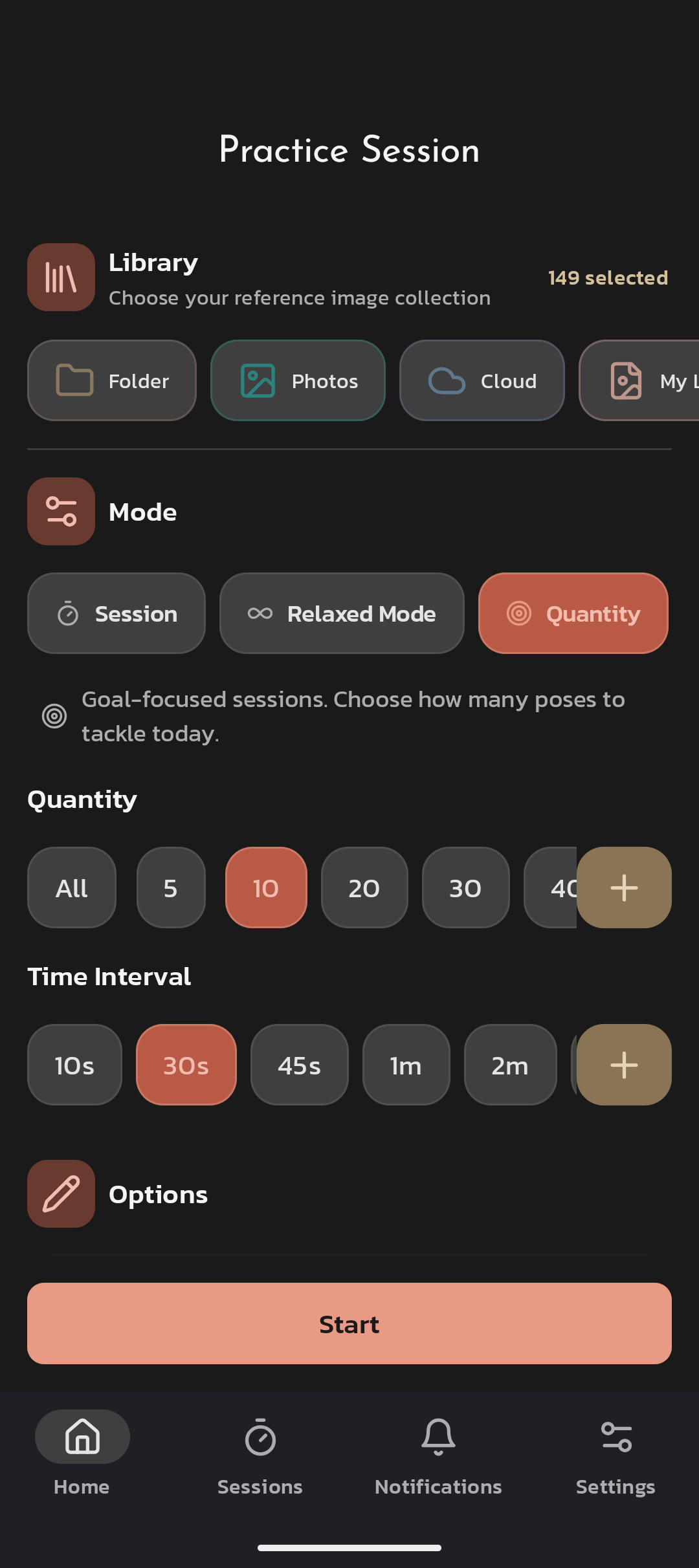
A free gesture drawing app for gesture & figure practice.
DrawGestures brings Pinterest, Google and premium cloud libraries together, provides a distraction-free viewer with timers, and lets you sketch on top of references on tablets and desktops.
It's the warm-up most pro animators run before any longer figure study — and the timer is the entire skill.
Sign-up
No login required to start a timed session.
Devices
Tablet-friendly, lightweight UI. iOS, Android, tablet, desktop.
Homepage
drawgestures.com
Price
Free tier · Pro from $2.99 / month.
Why we request Google data.
Some features use your Google account to improve your experience, for example:
Sign in with Google — sync preferences across devices.
Google Images search — fetch public reference thumbnails.
Analytics — understand anonymous usage and improve the app.
We only request the minimum necessary permissions and do not sell your data. Learn more in our Privacy Policy · Terms of Service.
Everything you need for better practice.
Curated libraries, a distraction-free viewer, drawing tools that get out of your way, and rock-solid tablet support. Six things, done well, instead of fifty done badly.
Pinterest library
Browse and stream poses directly from any Pinterest board. Boards refresh; your library stays fresh forever.
Google library
Quickly search Google Images for references without leaving the app. Thumbnails fetched on demand.
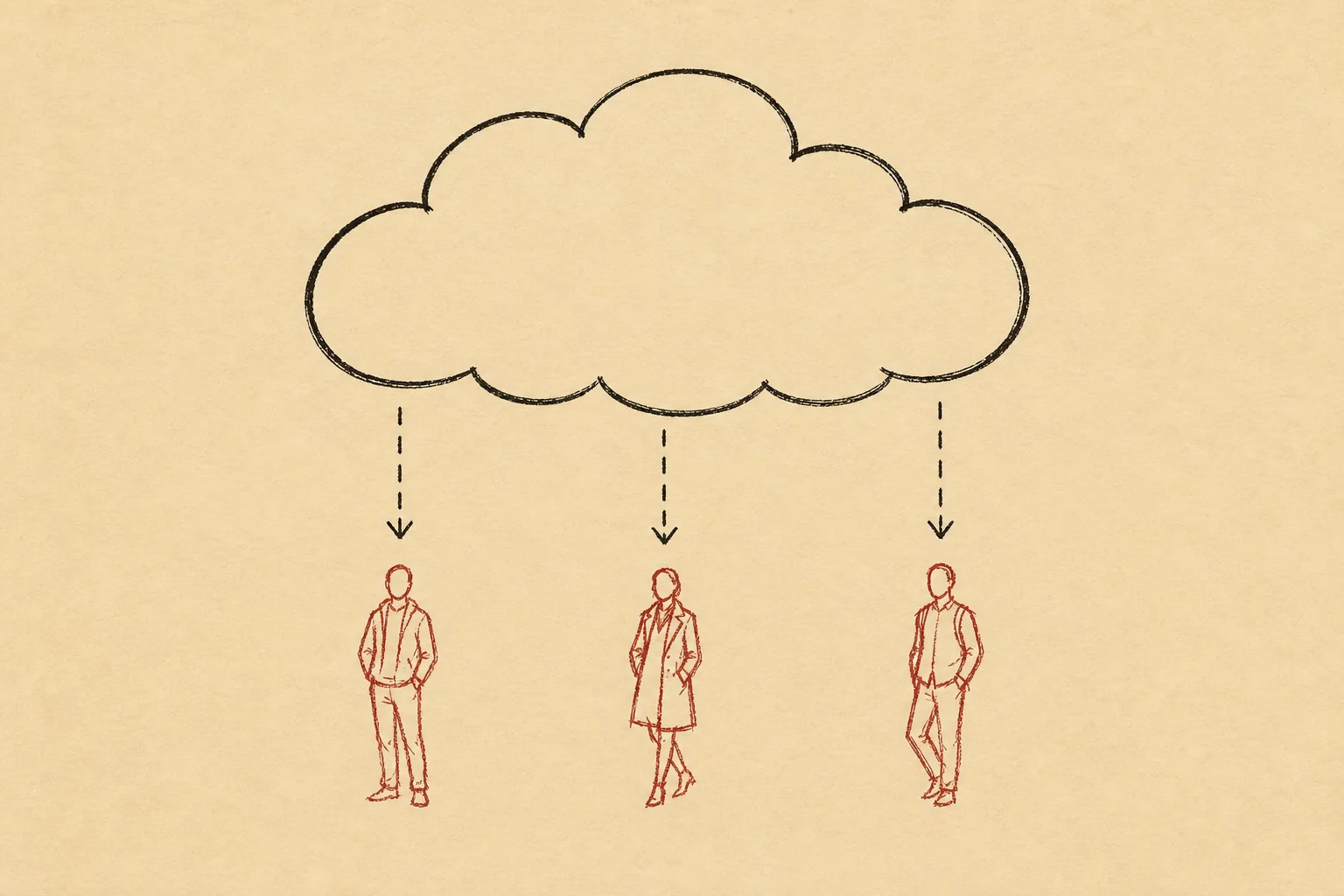
Premium cloud library
Curated, ready-to-draw collections from our cloud. Always available, always fresh, no setup required.
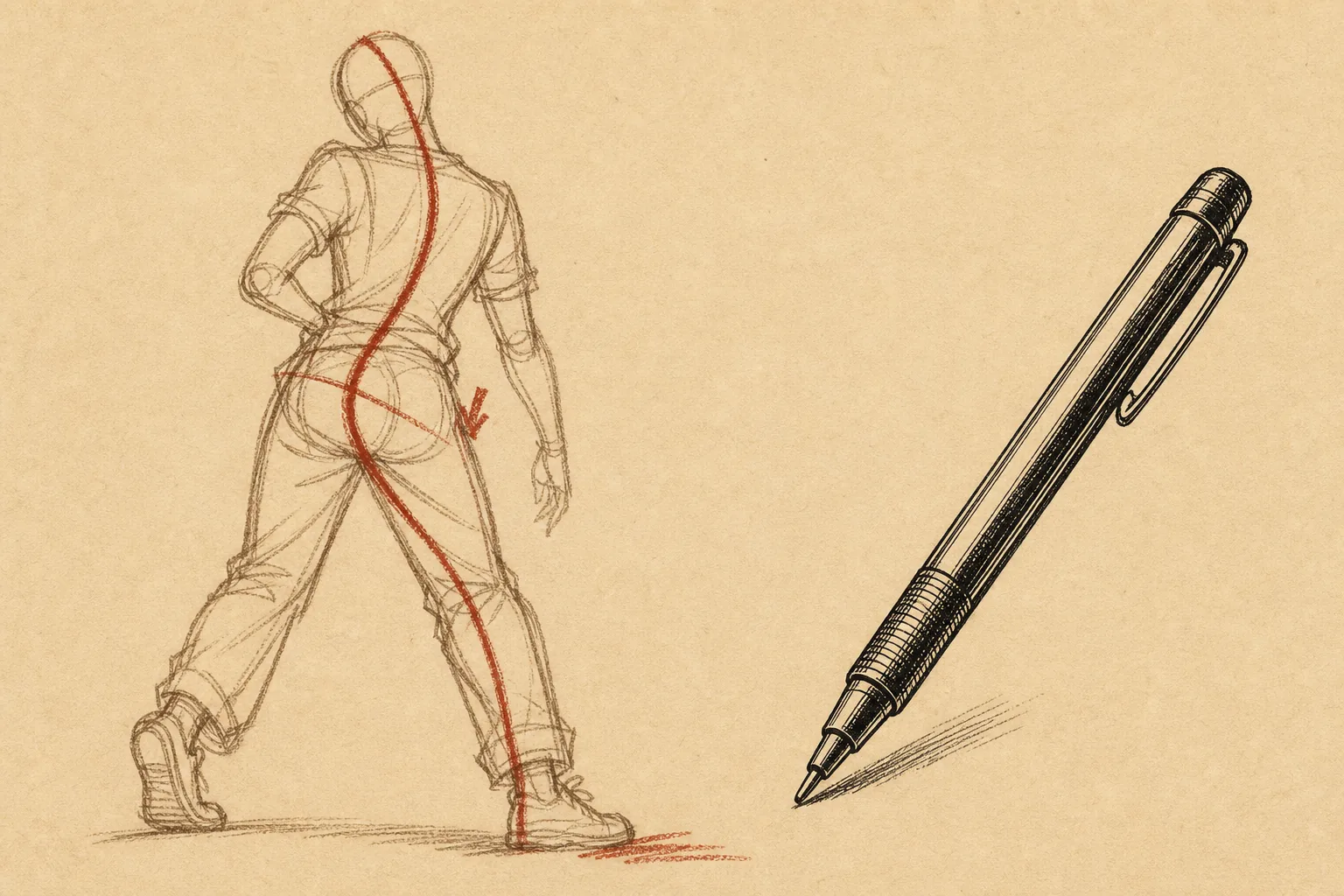
Draw on top of image
Sketch rhythms and landmarks right on the reference with lightweight tools — pen, eraser, opacity, undo.
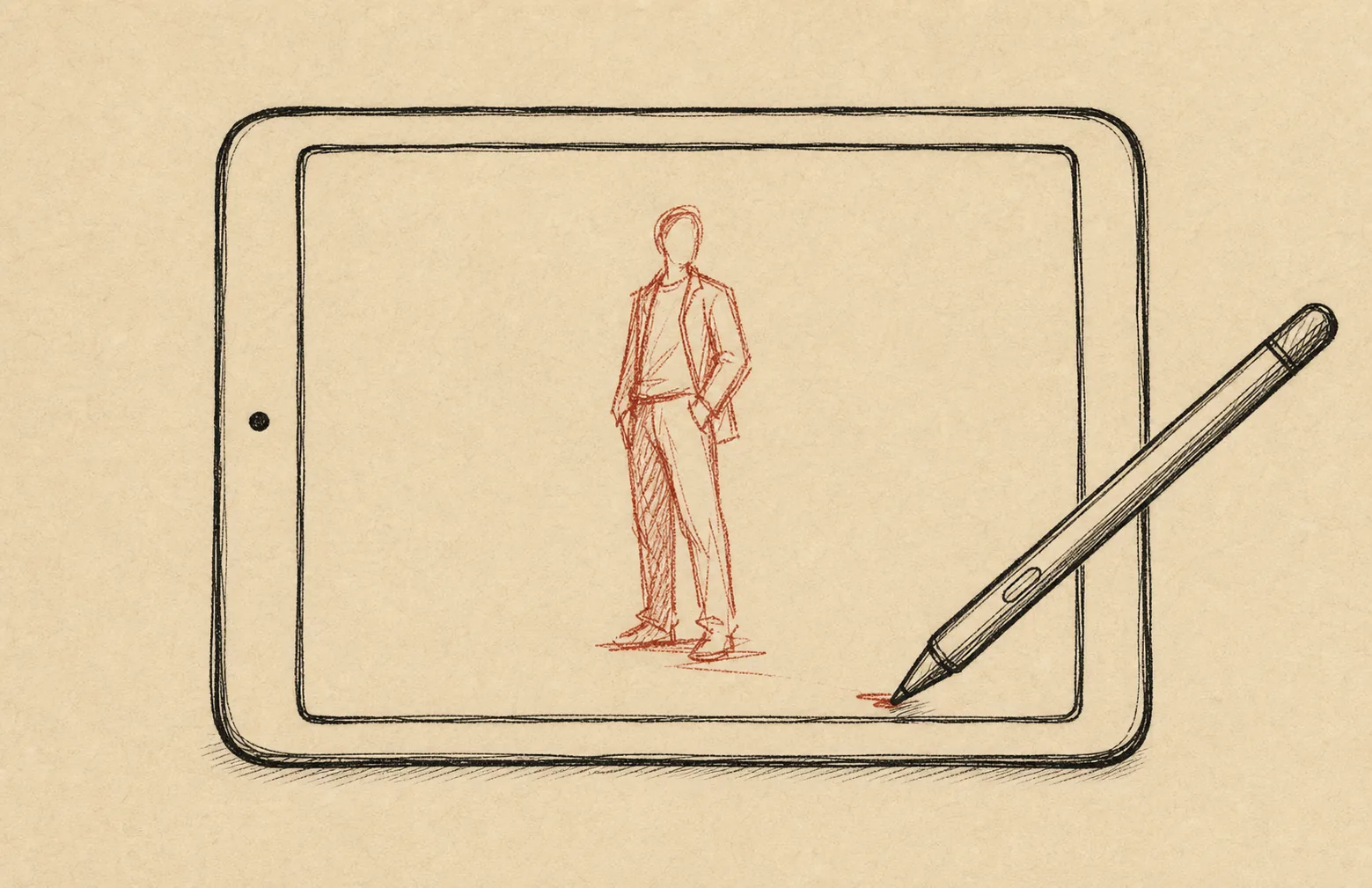
Tablet support
Optimised for iPad and Android tablets. Pen input, palm rejection, keyboard shortcuts. Works on desktop too.
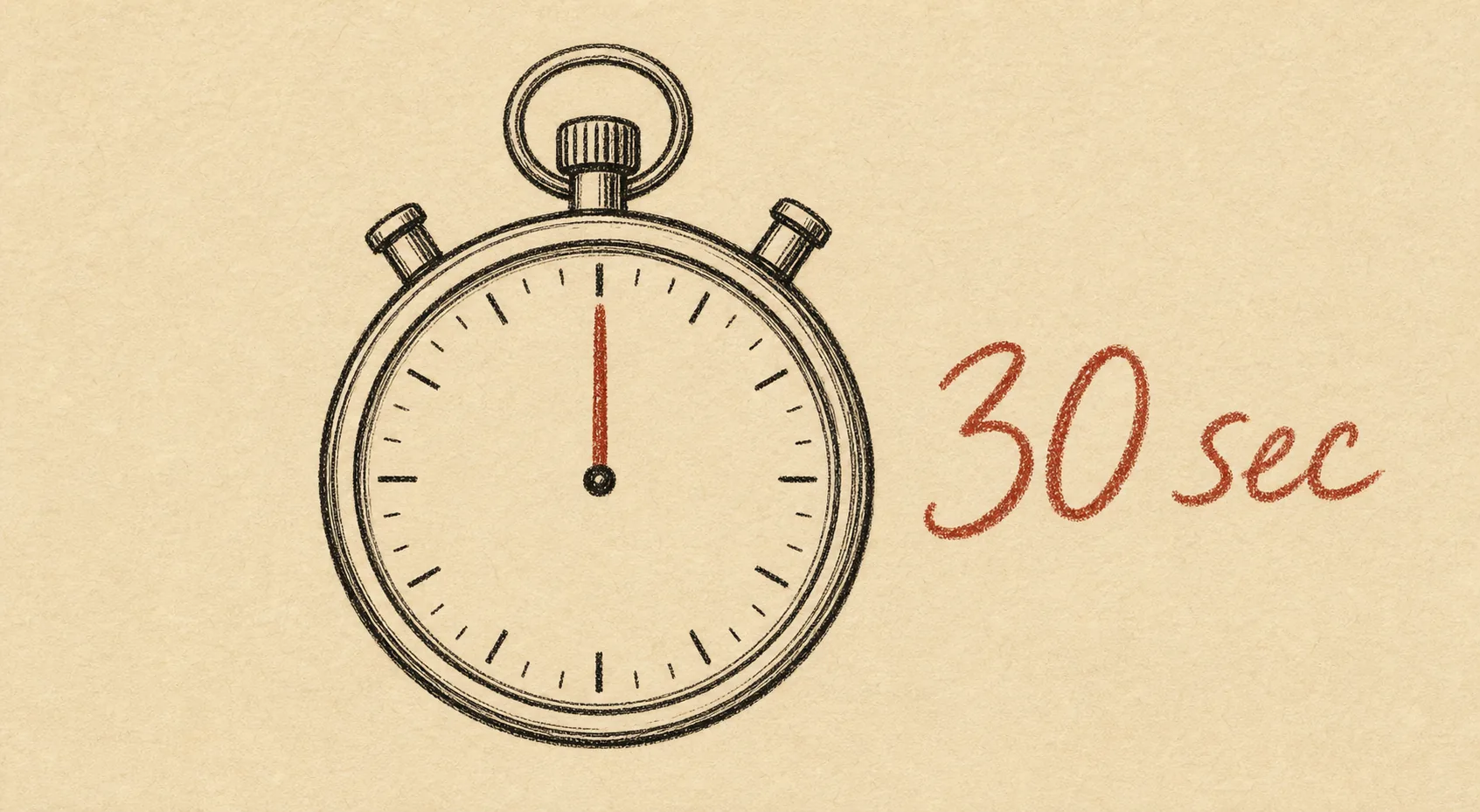
Gesture drawing timer
A drawing timer from 30-second gestures to long-form figure work, with auto-advance and shuffle. The pressure is the practice.
A gesture drawing timer that keeps you honest.
The timer is the skill. It caps every pose, advances to the next reference on its own, and stops you fussing over details. Pick a preset, press start, draw.
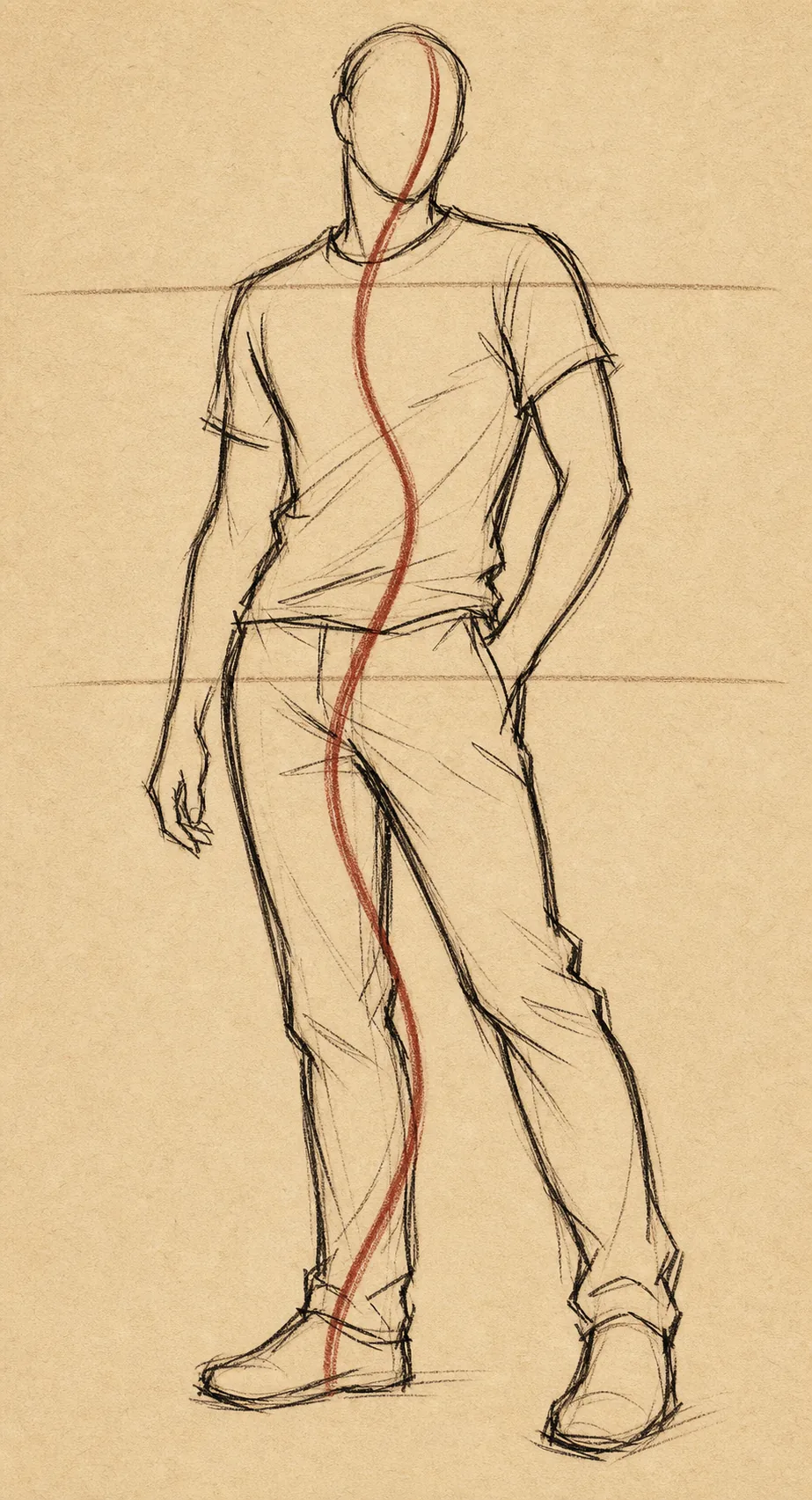
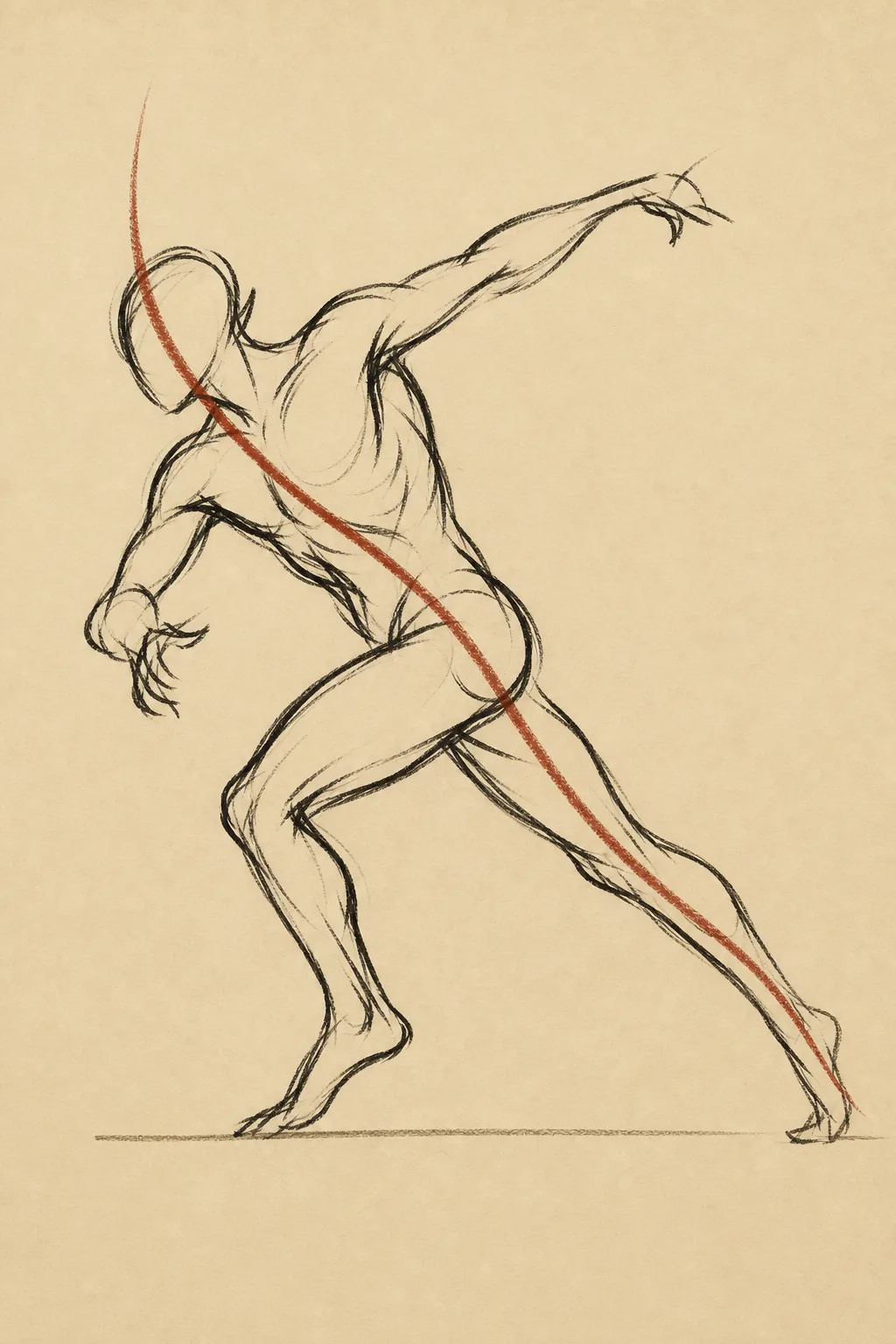
- 30s Warm-up Line of action and commitment. Always start here.
- 1m Daily bulk Line of action plus rhythm through the pose.
- 2m Masses Add the ribcage and pelvis once you are warm.
- 5m Block-in Light construction. Crosses into figure drawing.
- 10m Long pose Construction and anatomy. Save it for the end.
What artists are saying.
Great app for timed gesture drawing sessions.
Pinterest feature works perfectly now! Best app for gesture drawing.
There's a great collection of images of all kinds already in the app. Offline works too.
Simple to use and functional. Great alternative if you can't be online 24/7.
Learn the craft, then practise it.
Free written guides on gesture drawing — what it is, how to practise, and the drills that actually work.
Gesture drawing online, answered.
What is gesture drawing?
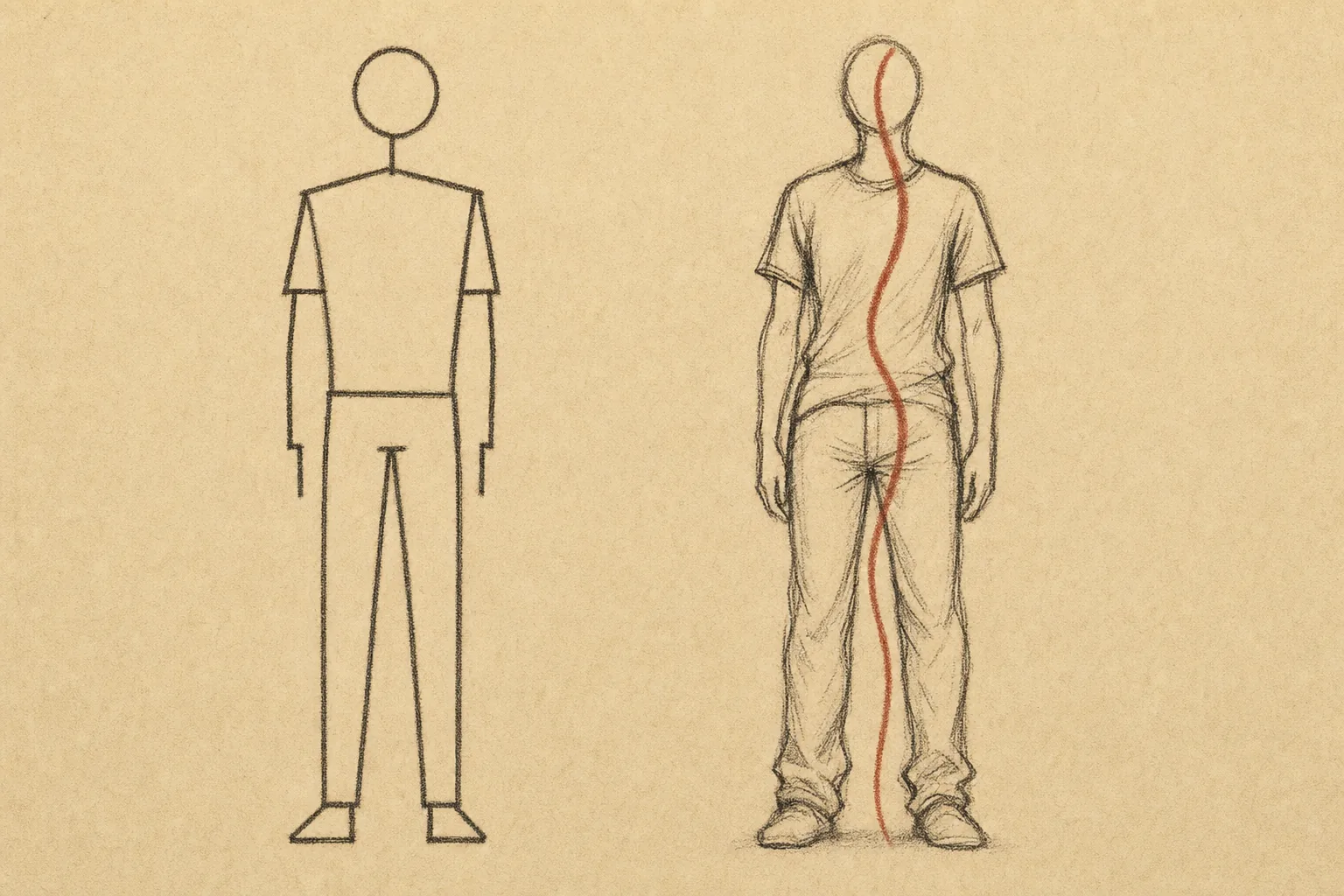
Gesture drawing is a quick sketch, usually 30 seconds to 2 minutes, that captures the movement, energy and rhythm of a pose rather than its details. Artists and animators use it as a daily warm-up and as the foundation of figure drawing.
Is DrawGestures a free gesture drawing app?
Yes. The drawing timer, timed sessions and curated reference poses are free on the web, iOS and Android, with no sign-up and no ads. Pro, from $2.99 a month, adds Pinterest and cloud imports, custom intervals and extra session modes.
Can I practise gesture drawing online in my browser?
Yes. Open the DrawGestures web app, pick a reference library, set the drawing timer and start drawing. Nothing to install. The same sessions are available in the iOS, Android and desktop apps.
What timer intervals should I use for gesture drawing?
Start with ten 30-second poses to warm up, then move to 1 or 2 minutes for the bulk of the session. Anything from 5 minutes up is closer to figure drawing than gesture drawing.
Does the gesture drawing timer advance automatically?
Yes. When the interval ends the next reference image appears on its own, so you never stop to click. Turn on shuffle to see poses in random order.
Which devices does DrawGestures work on?
Any modern browser, iPhone and iPad, Android phones and tablets, Windows and macOS. The app is built for tablets, with pen input and drawing on top of the reference.
Ready to improve your gestures?
Start a focused session in seconds — no sign-up required. Free tier ships with timed sessions, reference images and progress tracking.
Free to start · No sign-up · iOS · Android · Tablet